Free forever on desktop
Unlimited local culling and editing, no account required to start. Cloud sync, proofing, and team features are the paid layer — the culling itself never expires.
Darkroom is culling and editing built for the last mile: rate and flag at full speed, develop with presets, proof with your client, and hand finished selects straight to a gallery. It's the only culling tool wired into a CRM's contracts, invoices, and delivery — and it's free forever on your desktop.
Free on your desktop, forever · cloud & team from $15/mo · Already a member? Sign in
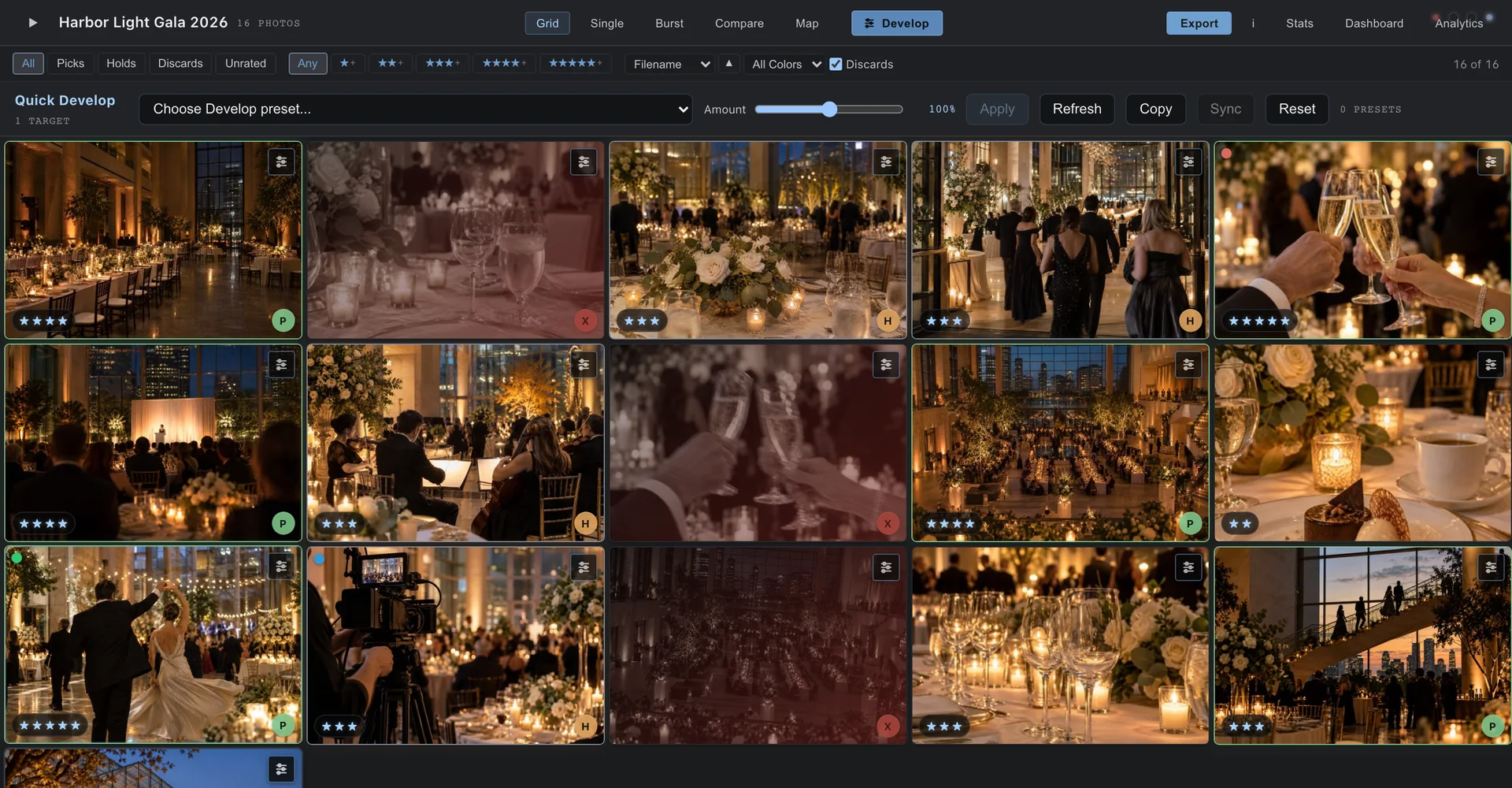
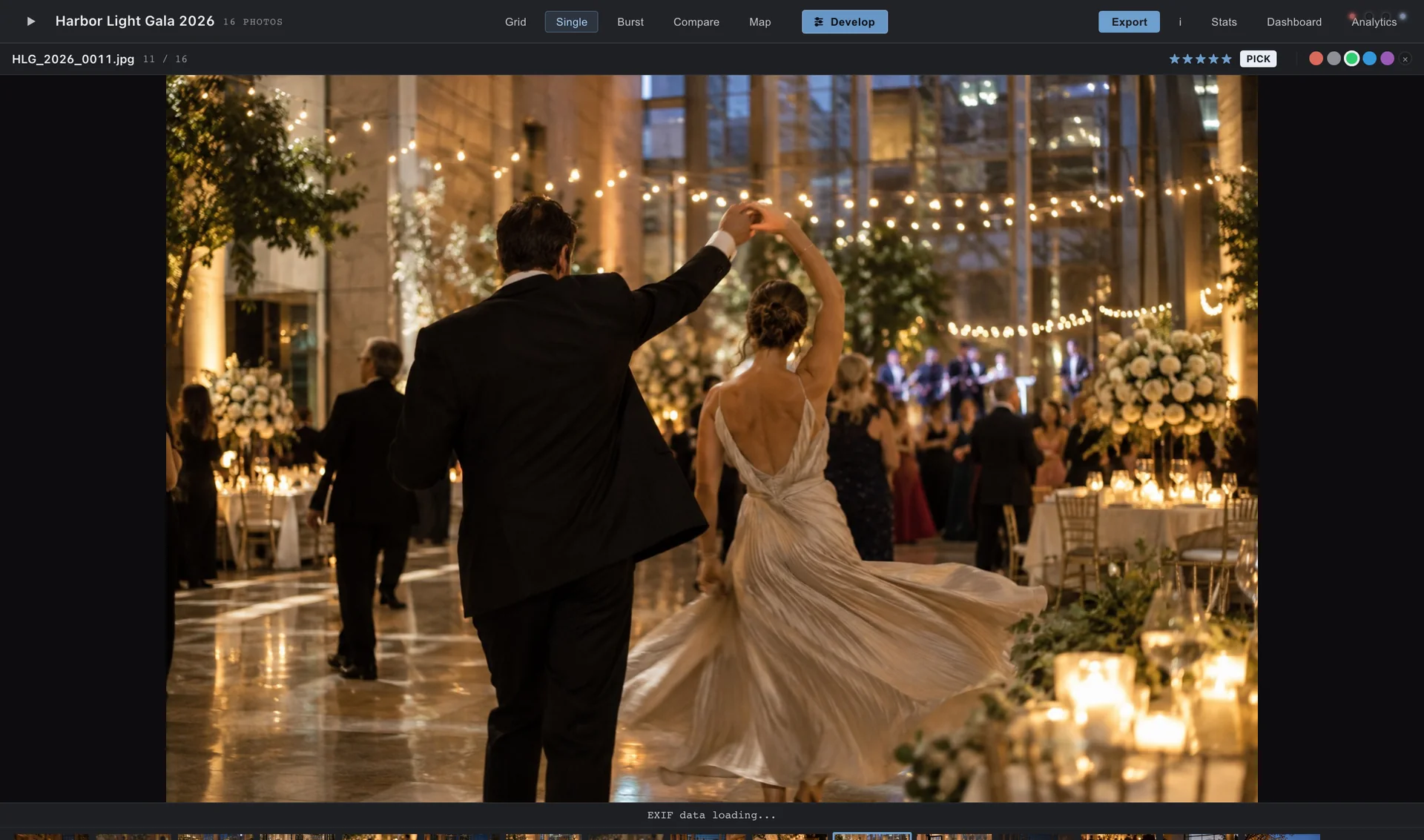
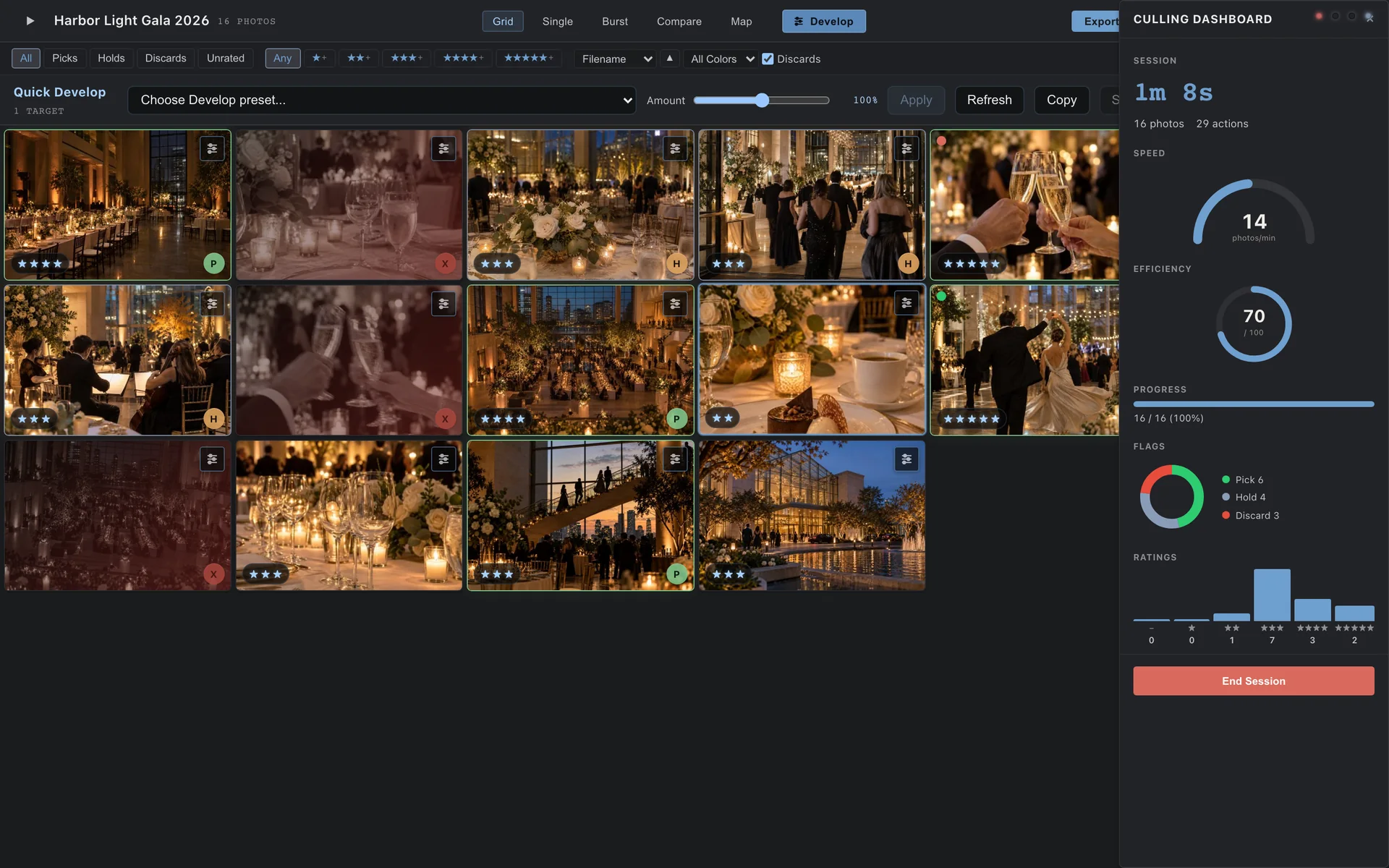
Culling the takephoto · darkroom-heroA full shoot comes home as thousands of frames. Darkroom loads embedded previews instantly and lets you rate, flag, and color-label with one hand on the keyboard — no waiting on a spinner between shots. The keepers rise to the top; the rest get out of your way.
Develop RAWs with a full tone, color, and detail pipeline, or apply your own presets across a whole select set in one move. Edits write to standard XMP sidecars, so Darkroom drops into a workflow you already have — take the culled, rated set into your editor of choice, or finish right here.
Send a proofing set and let the client mark their favorites; their picks flow back into your select list. When you're done, hand the finished selects straight to a Studio delivery gallery on the same client's record — no re-import, no second catalog of who booked what. The cull and the delivery are one motion.
On paid plans, Darkroom moves off one machine and onto the team. A second culler and the lead photographer can work the same take in real time; shared presets keep a studio's look consistent across every editor. Elite adds team analytics and API access so the culling room reports up like everything else.
The dedicated culling tools are genuinely good, and if one fits your studio, use it happily. Here's where Darkroom differs — on purpose. Pick the comparison that matches where you're coming from.
| With Darkroom | Standalone cullers, as a category | |
|---|---|---|
| After you cull | Selects flow straight into a Studio delivery gallery — same account, same client record. | Export a folder and re-import somewhere else; the cull ends where a new tool begins. |
| Cost basis | Free forever on your desktop; flat cloud plans from $15/mo, no per-image fees. | Often per-seat or subscription-only, sometimes metered by image count. |
| Team culling | Real-time collaborative culling and shared presets on Pro and up. | Frequently single-machine, or team features gated behind the top tier. |
| If you cancel | The desktop app keeps full local culling and editing — your catalog stays usable. | Varies; some tools go read-only or stop opening your library entirely. |
| Who builds it | A working studio that culls and delivers on this exact software, weekly. | Specialist tool teams — delivery to the client is usually out of scope. |
| With Darkroom | Culling inside a full RAW editor | |
|---|---|---|
| Cull speed | Purpose-built for one fast pass — instant previews, keyboard-first rating and flagging. | Culling shares the app with heavy develop tools; previews can lag on a big import. |
| Your existing edits | Reads and writes standard XMP, so ratings and adjustments round-trip cleanly. | Usually fine within its own catalog; less friendly when you want to hand off. |
| Delivery | Finished selects go to a branded client gallery on the same record. | Export, then upload to a separate gallery product and re-key the client. |
| Price to start | Free on your desktop — add cloud and team only when the work calls for it. | Subscription from day one, whether or not you need the full editor. |
| Fits your stack | Use it before your editor, or finish inside it — Darkroom doesn't force a switch. | Encourages staying inside one ecosystem end to end. |
Comparisons describe tool categories, not any specific vendor — evaluate the specific products you're considering.
Unlimited local culling and editing, no account required to start. Cloud sync, proofing, and team features are the paid layer — the culling itself never expires.
Your RAWs stay on your drive. Cloud is opt-in, per project, so you decide what leaves your machine — and cancelling never locks you out of your own catalog.
XMP sidecars, contact sheets, and common export sizes mean Darkroom slots into a workflow you already trust instead of replacing it.
Cull free, deliver connected. Darkroom runs on its own desktop; the gallery and review handoffs light up when you add the rest.
Send finished selects to a branded client gallery on the same record, wired to the contract and the invoice. Darkroom Essentials bundles with Studio from $12/mo.
Explore StudioHand stills to a review room wired to the same business: timecoded notes, versioned frames, and client approvals that connect back to the invoice.
Explore Post-ProductionAnnual billing saves roughly 17%. Already on Studio? Add Darkroom Essentials for $12/mo. No per-image fees on any plan.
Free forever on your desktop — and when you're ready, the cloud lane carries your selects all the way to the client's gallery.