
- Contents
- 05 Post-Production
Chapter 05 · The review room

Post-Production
Notes on the frame, versions in order, approvals on the record.
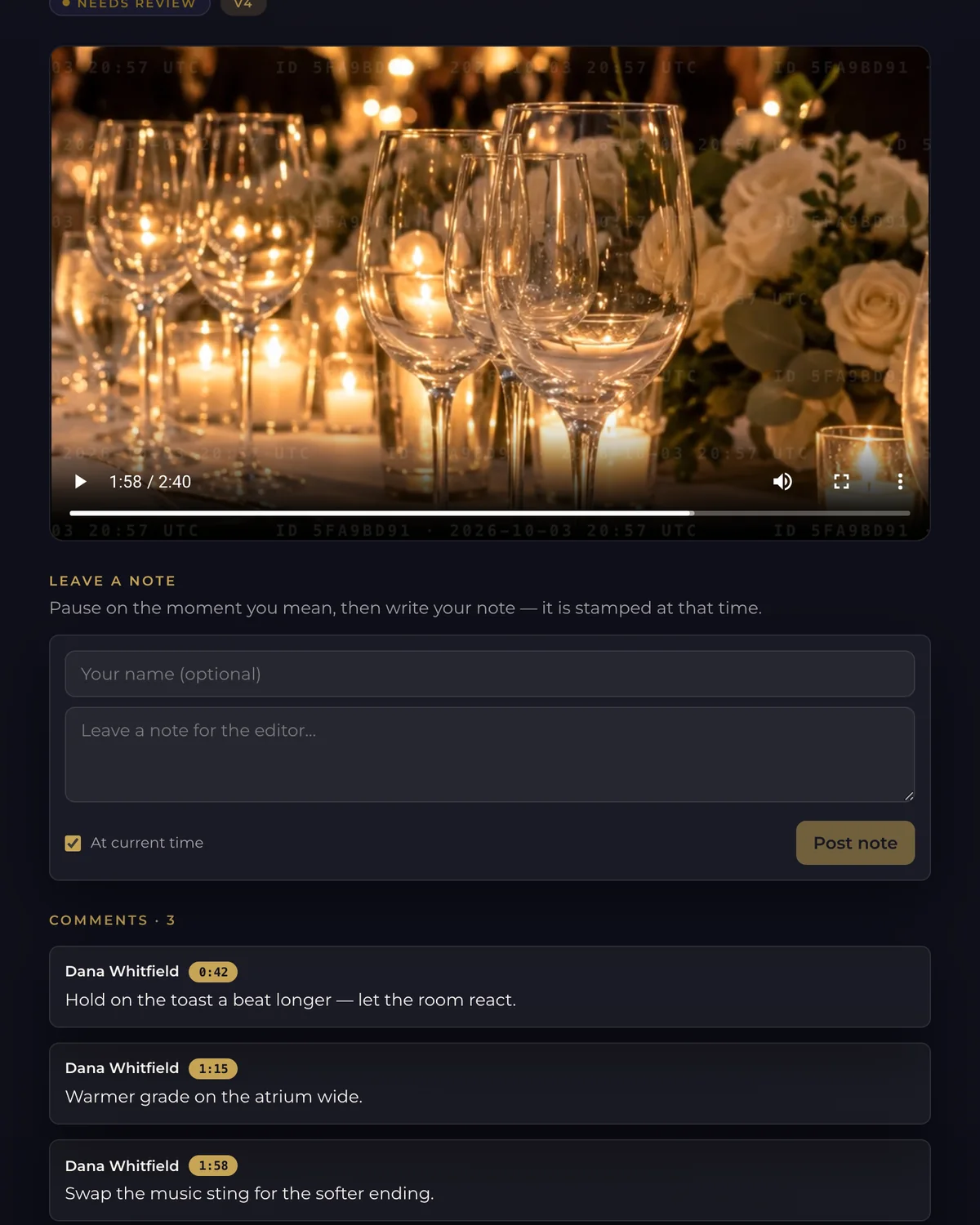
Share a cut and collect feedback pinned to the exact moment. Versions stay in order, each reviewer signs off for themselves, and screenings let everyone watch together.
From — a monthTalk to us for pricing · 14-day free trial

What it does
Inside Post-Production
Post-Production is the review room. It replaces the long email thread with notes that point at the picture.
Timecoded notes
Reviewers leave notes on the exact moment they mean. Nobody has to write “around the two-minute mark” again.
Versions in order
Each new cut is chained to the one before it, so the history of the edit is never lost.
Share links
Send a link to clients and outside reviewers so they can watch and comment.
Voice notes
On Review Pro and up: reviewers can leave a spoken note when typing is too slow.
Per-reviewer approval
On Review Pro and up: each reviewer signs off for themselves, and you can see who is still waiting.
Screenings
On Review Pro and up: watch together in a shared screening, in sync.
Review analytics
On Review Pro and up: follow how each review is progressing.
Quality-control standards
On Review Elite: set your own QC standards for delivery.

Plans
Post-Production plans
Plans differ by active review workspaces, storage and reviewers per workspace.
| Plan | Monthly | Active workspaces | Storage | Reviewers per workspace |
|---|---|---|---|---|
| Review Starter | — /moTalk to us | 3 | 50 GB | 5 |
| Review Pro | — /moTalk to us | 15 | 500 GB | 15 |
| Review Elite | — /moTalk to us | Unlimited | 2 TB | Unlimited |
Prices in US dollars per month, billed monthly; annual billing costs less — see Pricing.
In the record